
17 April 2025
Split Keyboard Build
For quite a while now, I've been working on designing and building my own concave split keyboard. I had previously bought a Microsoft Sculpt ergonomic keyboard and I loved it, right up until one of the key switches broke. As they're laptop-style switches, they are basically impossible to repair.
There are many other concave keyboards out there to buy, but they either use laptop-style key switches, or they are stupidly expensive, or both.
There are also many split keyboard designs out there to download and print or cut/mill, like this one:
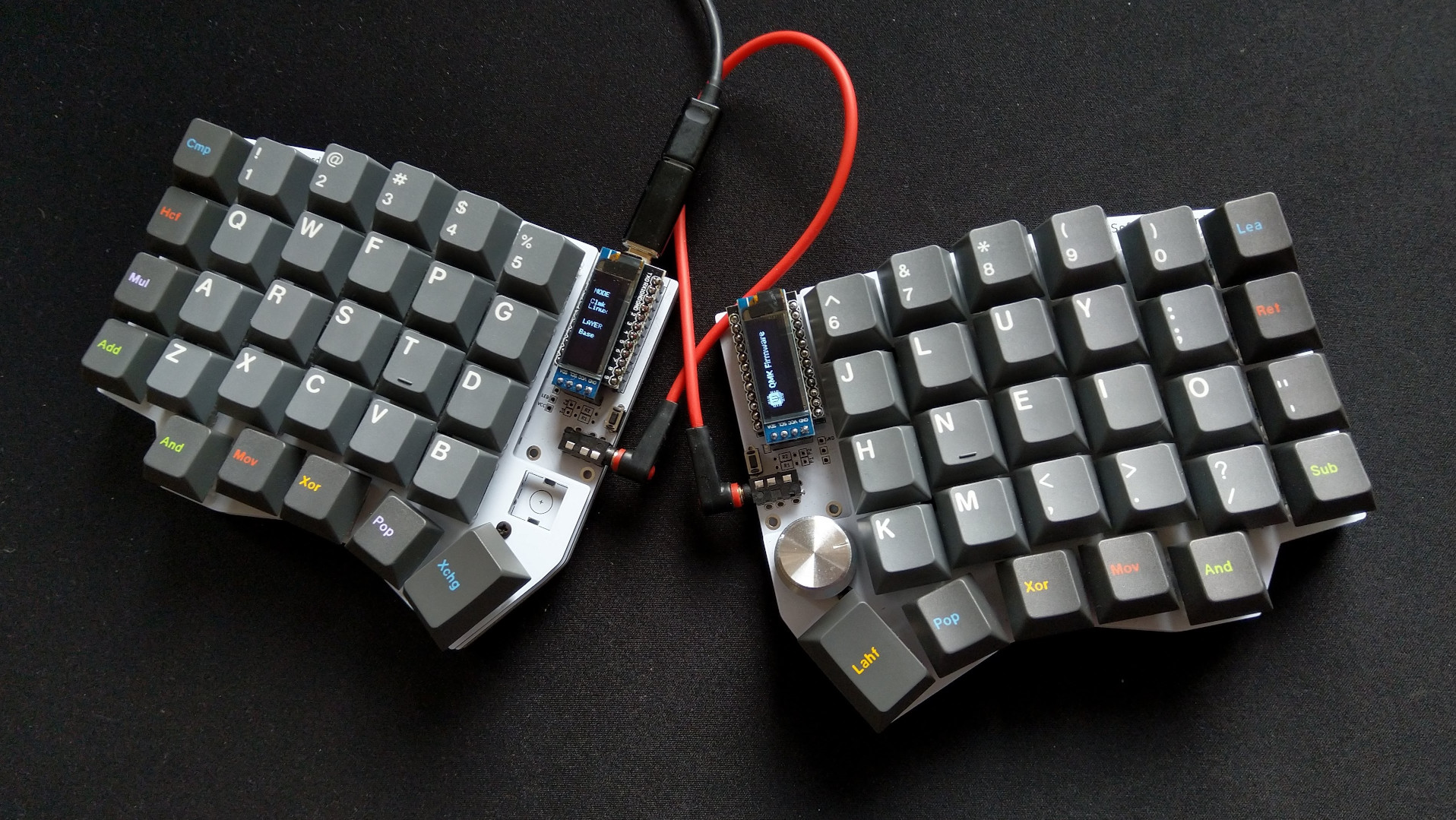
...but it's not concave, and it doesn't have enough keys for the layout I want.
I'm going for a three-piece split, with a flat numpad/cursor key section (with the Page Up/Down, etc.) and concave left and right sections for the main keyboard.
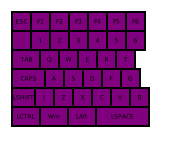
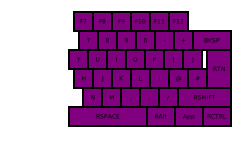
A while ago I wrote a Python script to calculate the key positions and generate SVGs for both the left section...
...and the right.
Over these last couple of days, I've been working on using Python in Blender to produce the 3D elements. So far, I have made marker nodes for every key position in the left section, as well as a panel geometry I can use for the print model.
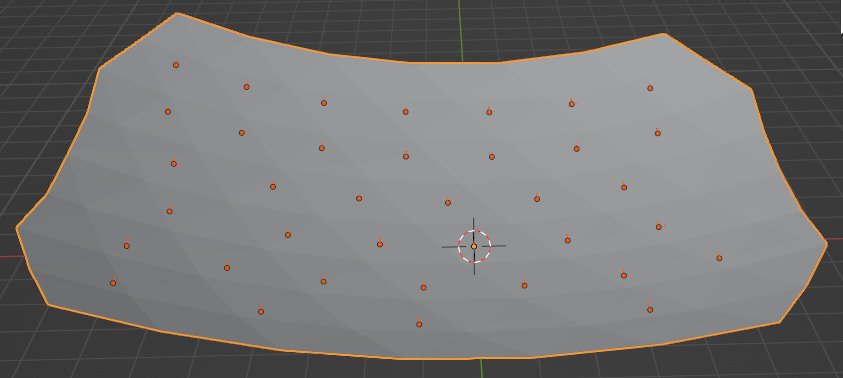
So far so good!